

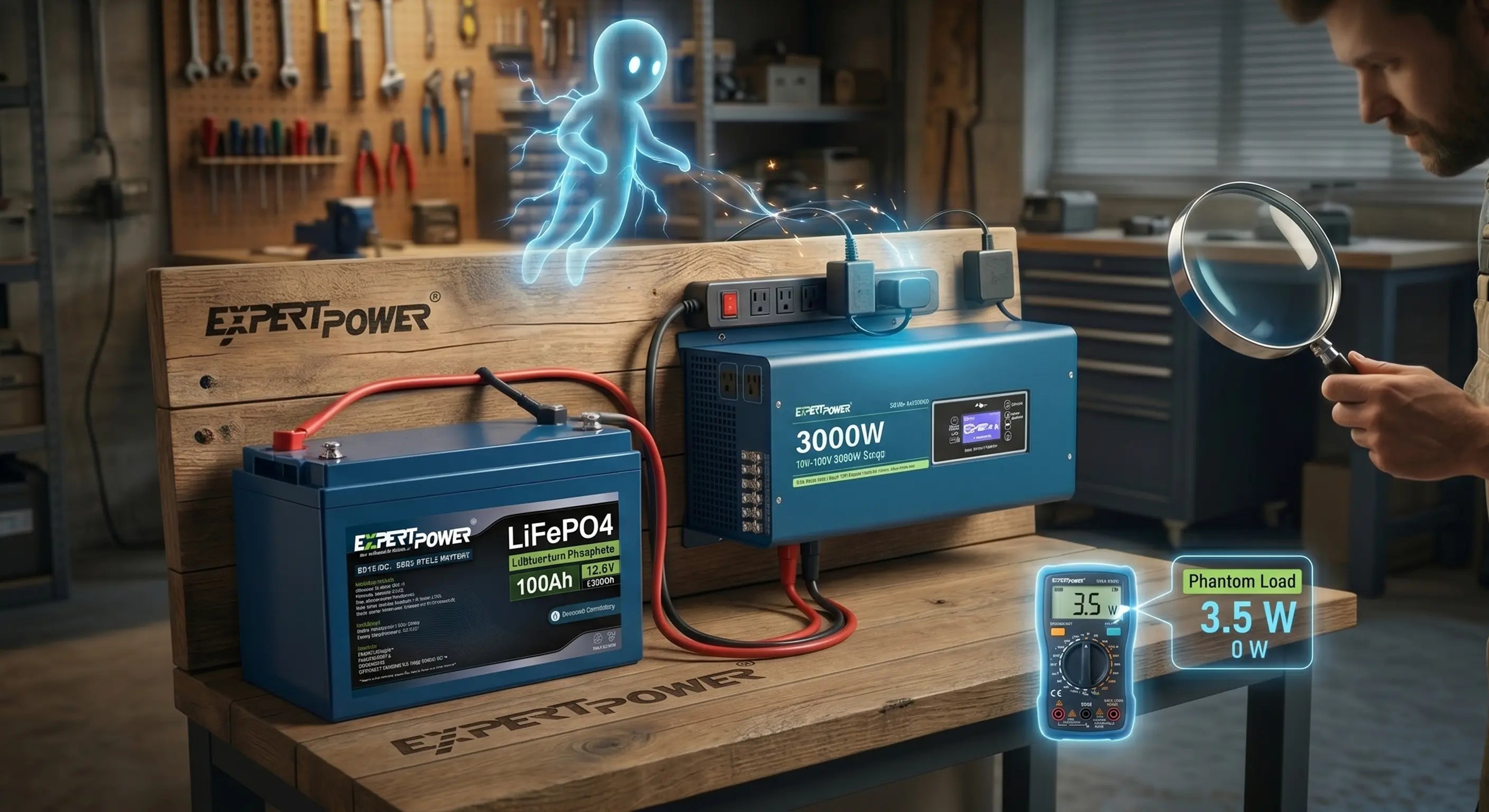


I. Introduction: The Mystery of the Empty Battery
Imagine the scene: You’ve just finished a long haul or a weekend of boondocking. You parked your rig with a healthy 90% charge, confident that your systems were shut down. You return a week later, flip the switch, and check your monitor only to find your battery sitting at a disappointing 60%.
Where did the power go? You’ve just encountered a Phantom Load.
A phantom load (also known as vampire power or standby power) refers to the small amounts of electricity consumed by appliances and electronics even when they appear to be "off." While individual draws might seem insignificant, they run 24 hours a day. Over time, these small drains can lead to deep discharges. While ExpertPower LiFePO4 batteries are incredibly resilient, consistent deep draining isn't ideal for long-term battery health and can leave you stranded when you need power most.
II. Common Culprits: Where is the Power Going?
In a mobile or off-grid setup, several "silent thieves" are usually responsible for your missing Amps:
III. Tools of the Detective: Using the ExpertPower Bluetooth App
You don't need to be an electrical engineer to solve this mystery. If you have an ExpertPower Bluetooth LiFePO4 Battery, you already have a high-tech diagnostic tool in your pocket.
IV. How to Stop the Drain
Once you've identified the culprits, it’s time to take action:
- Install a Master Kill Switch: A physical battery disconnect switch at the battery bank is the only way to be 100% certain that no current is leaving the battery during long-term storage.
- Inverter Management: Treat your inverter like a high-performance engine. Turn it on when you need to use the microwave or coffee maker, and turn it off the moment you're done.
- Switch to DC-Direct: Avoid the "Inverter Tax." Use 12V DC versions of fans, laptop chargers, and appliance lights whenever possible to eliminate the efficiency loss of conversion.
- Smart Power Strips: For entertainment systems, use a power strip that can be toggled off completely, cutting power to the TV and soundbar simultaneously.
V. When a "Drain" is Actually a Health Issue
Sometimes, users mistake a loss of capacity for a phantom drain. While LiFePO4 batteries are famous for their 10-year+ lifespan, all batteries eventually age. However, if your battery is relatively new and losing charge quickly while disconnected, it’s likely a load you haven't found yet.
Remember: Your Battery Management System (BMS) is your last line of defense. If a phantom load drains your battery to a critical level, the BMS will automatically disconnect the cells to prevent permanent damage.
VI. Conclusion: Knowledge is Power
You don't have to be a victim of a mystery drain. Your power is your freedom when you're off the grid, and every Amp-hour counts. With the right tools—like the ExpertPower Bluetooth App—and a little investigation, you can ensure your energy stays exactly where you need it: ready for your next adventure.
A healthy battery isn't just about how you charge it; it's about how smart you manage it.
Tired of guessing where your power goes?
Upgrade to an ExpertPower Bluetooth LiFePO4 Battery today and see your system's health in real-time.
Shop the Smart Battery Lineup