

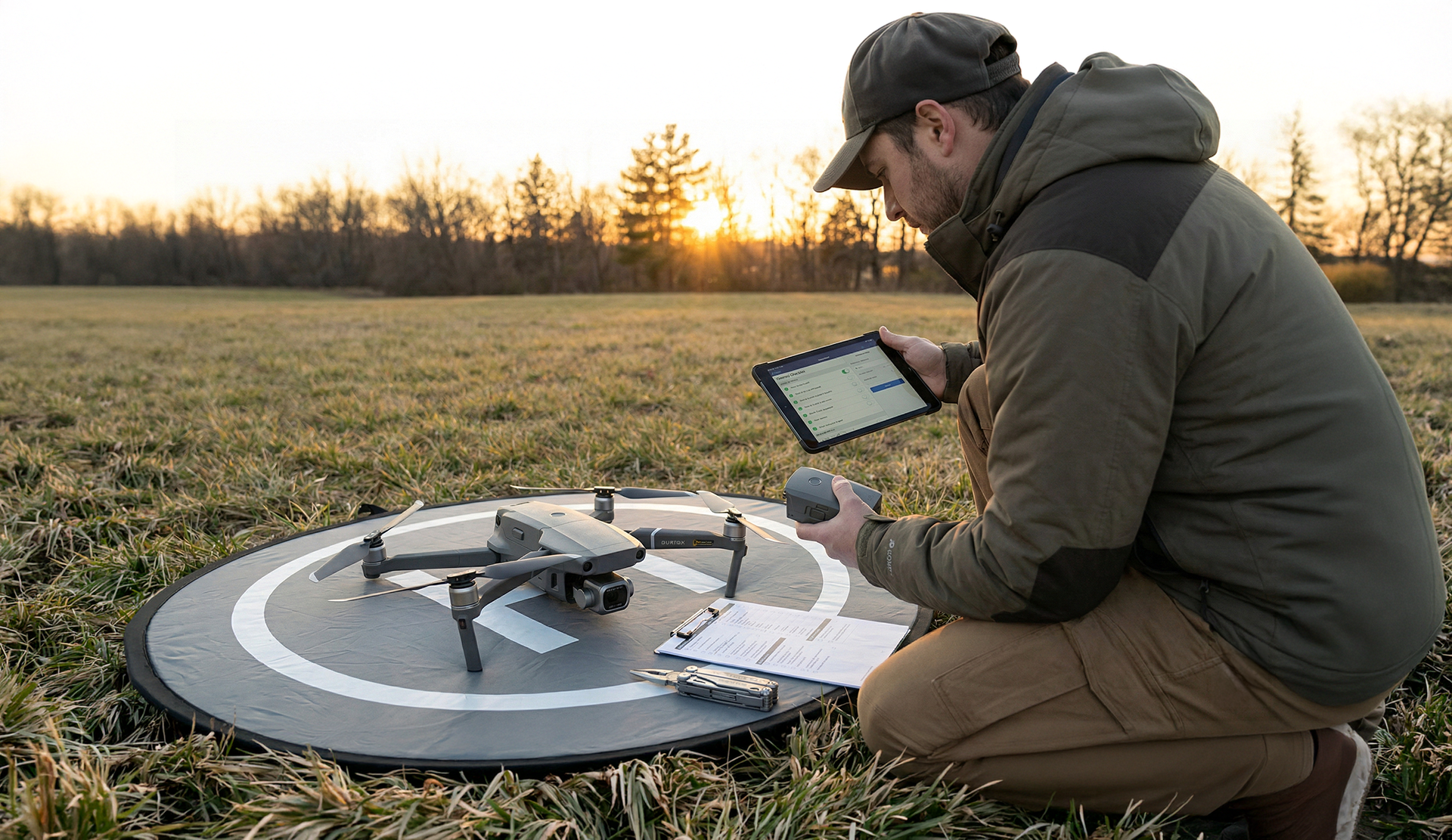


Commercial airline pilots never push back from the gate without completing a rigorous walk-around and pre-flight check. As a drone pilot, neither should you.
Whether you are flying a cinewhoop, a heavy-lift camera drone, or a lightweight hobby quadcopter, the principles of aviation safety remain the same. The goal of a pre-flight routine is simple: prevent "fly-aways," avoid crashes, and mitigate battery failures. By investing just two minutes in a pre-flight routine, you aren’t just ensuring safety; you are connecting equipment longevity to the quality of your flights.
Here is the essential checklist every pilot needs to master before the props start spinning.
The Physical Inspection (The Airframe)
Before you even turn the drone on, you need to get your hands on the airframe. A visual and tactile inspection can catch mechanical failures before they happen.
- Propeller Check: Run your fingers along the leading and trailing edges of every blade. Look for chips, cracks, or "stress whitening" near the hub. Even a slightly damaged prop creates micro-vibrations. These vibrations confuse the flight controller and force the motors to work harder, draining your battery power significantly faster.
- Chassis & Gimbal: It sounds obvious, but it is one of the most common mistakes in the hobby: remove the gimbal cover. Forgetting this can burn out the delicate motors that stabilize your camera. Additionally, ensure all foldable arms are fully extended and locked into position.
- Sensor Cleaning: Take a microfiber cloth and wipe down the obstacle avoidance sensors. A layer of dust or a fingerprint smudge can refract light, causing the drone to “brake” unexpectedly or behave erratically in flight.
The Battery Health Protocol
Your battery is the single most critical failure point on a drone. Treat it with respect.
- The "Click" Test: When inserting the battery, listen for the audible click. Give it a gentle tug to ensure it is fully seated. An unsecured battery can vibrate loose during aggressive maneuvers, leading to an immediate power cut and a crash.
-
Temperature Check: Lithium-polymer (LiPo) batteries are sensitive to temperature.
- Summer: If the battery feels hot to the touch (perhaps from sitting in a sun-drenched car), let it cool down before flying.
- Winter: Cold batteries suffer from voltage sag. Keep them in an inner pocket to stay warm until the moment you are ready to fly.
- Voltage Balance: Don't just look at the percentage; look at the voltage. Use your flight app to check individual cell voltages. If one cell is significantly lower than the others (a large cell deviation), do not fly. That battery is unstable and may fail under load.
Is your old battery showing signs of swelling, rapid discharge, or poor voltage? Don't risk your drone. Replace it with our high-capacity drone batteries before your next flight.
The Digital Connection
Once the hardware is secure, turn your attention to the software and signal environment.
- Compass & GPS: If you have traveled to a new location, calibrate your compass to account for magnetic interference. Before taking off, ensure you have a lock on at least 10-12 satellites. This ensures your "Home Point" is recorded accurately for the Return-to-Home (RTH) function.
- Firmware: Quickly check your app for notifications. While you don't always need the latest feature update immediately, look for "Critical Updates" that address safety bugs.
- Signal Interference: Scan your environment. Are there cell towers, high-voltage power lines, or large metal structures nearby? These can interfere with your controller’s frequency, leading to lag or signal loss.
Takeoff and Initial Hover
You are cleared for takeoff, but don't zoom off into the horizon just yet.
- The 10-Second Rule: After liftoff, ascend to eye level (about 6–10 feet) and hover there for a full ten seconds.
- What to Listen For: Close your eyes for a moment and listen. Are the motors humming smoothly, or is there an unusual whining, grinding, or oscillation?
- Check the App: Glance at your telemetry. Confirm that the battery percentage isn't "dropping" unnaturally fast (e.g., going from 98% to 90% in seconds). This indicates a cell health issue that requires an immediate landing.
Post-Flight: The Cool-Down
Your routine doesn't end when the drone touches the ground. How you handle your gear post-flight dictates how long it will last.
- Don't Charge Immediately: After a flight, the chemicals inside the battery are active and the pack is likely warm. Wait 15–20 minutes for the battery to return to room temperature before plugging it into a charger. Charging a hot battery degrades its internal chemistry and shortens its lifespan.
- Storage: If you aren't flying again tomorrow, do not charge the battery to 100%. Aim for a "Storage Charge" (roughly 50-60%). This prevents the battery from swelling during long periods of inactivity.